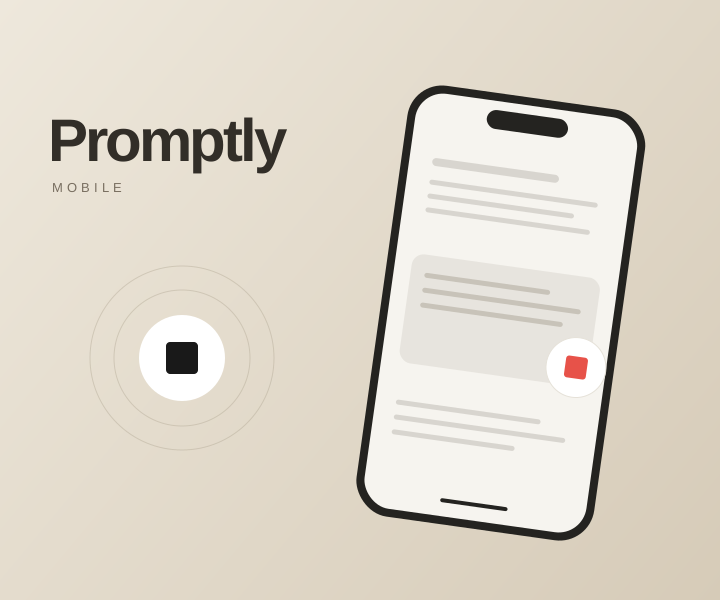
Speak where you work
A global hotkey starts and stops recording. Transcribed words can be pasted straight into your active editor, terminal, browser or chat.
Desktop App / Windows
By MIZU Studio
Speak a thought. Turn it into clean text in the window you're already using
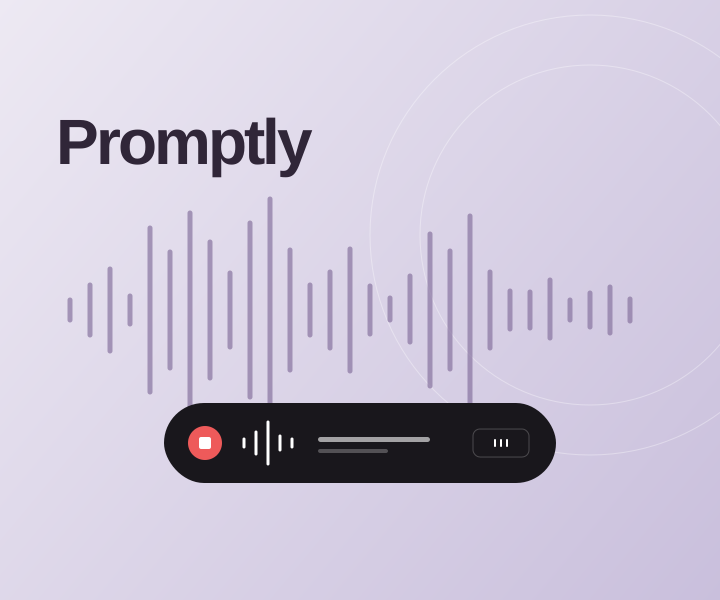
Promptly is a Windows desktop app that turns your voice into text wherever you work. Press a global hotkey, speak, then press it again: your words are transcribed and pasted into the active terminal, editor, browser or chat app. It lives quietly in the system tray, with a compact, draggable overlay that shows when it is recording, transcribing or done.
A global hotkey starts and stops recording. Transcribed words can be pasted straight into your active editor, terminal, browser or chat.
Optional AI polish cleans up filler words and punctuation. A personal word list helps recognise names and technical terms.
A system-tray app and compact draggable overlay show recording progress without taking over the desktop. Uses your own Groq API key.
Python and PyQt6 handle the tray app and recording overlay. Background workers send audio to Groq’s Whisper API, while native Windows hotkeys and paste controls connect the result to the active application.
Voice-to-text from a floating button, ready to paste anywhere on Android
View project