One floating button
Record over the Android app you are already using. Colour changes show recording, transcription and a recording waiting for a connection.
Mobile App / Android
By MIZU Studio
Voice-to-text from a floating button, ready to paste anywhere on Android
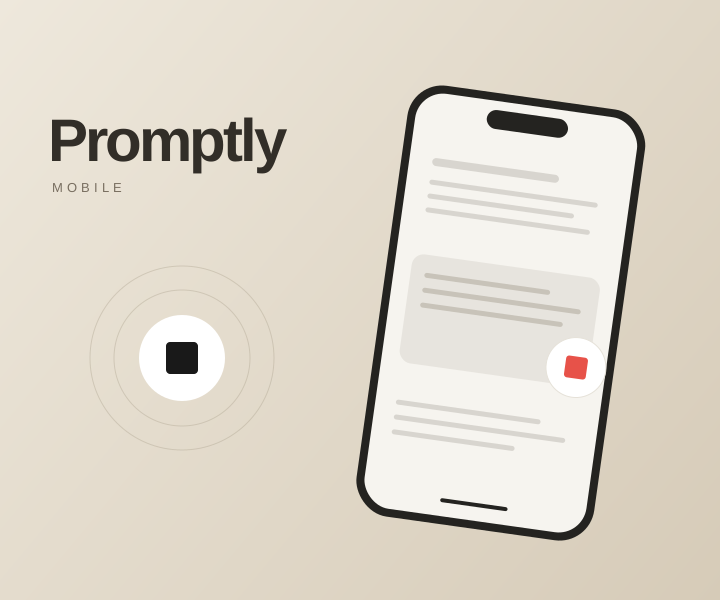
Promptly Mobile brings the same speak-to-text workflow to Android. A small floating button stays within reach over the app you're using: tap to record, tap again to stop, then paste the finished text from your clipboard. Colour changes communicate recording, transcription and a saved recording waiting for a connection.
Record over the Android app you are already using. Colour changes show recording, transcription and a recording waiting for a connection.
Whisper transcription and optional text polish turn speech into clean text. Copy the result, then paste it wherever you need it.
Quick settings tiles, a dismissible bubble and retries for connection failures keep the workflow convenient. Uses your own Groq API key.
Built for Android 8.0 and later, the app sends audio to Groq’s Whisper API with the user’s own key. It retries temporary connection failures and copies finished text to the clipboard for manual pasting.
A Digital FTE for customer support across email, WhatsApp and web, with a shared CRM and specialist AI agents
View project